
Welcome to Clarity SEO Pro documentation. This guide covers installation, activation, and all premium features.
Quick Start
- Install and activate the free Clarity SEO plugin from WordPress.org
- Upload and activate Clarity SEO Pro
- Go to Clarity SEO → Pro License
- Enter your license key and click Activate
Dashboard Overview
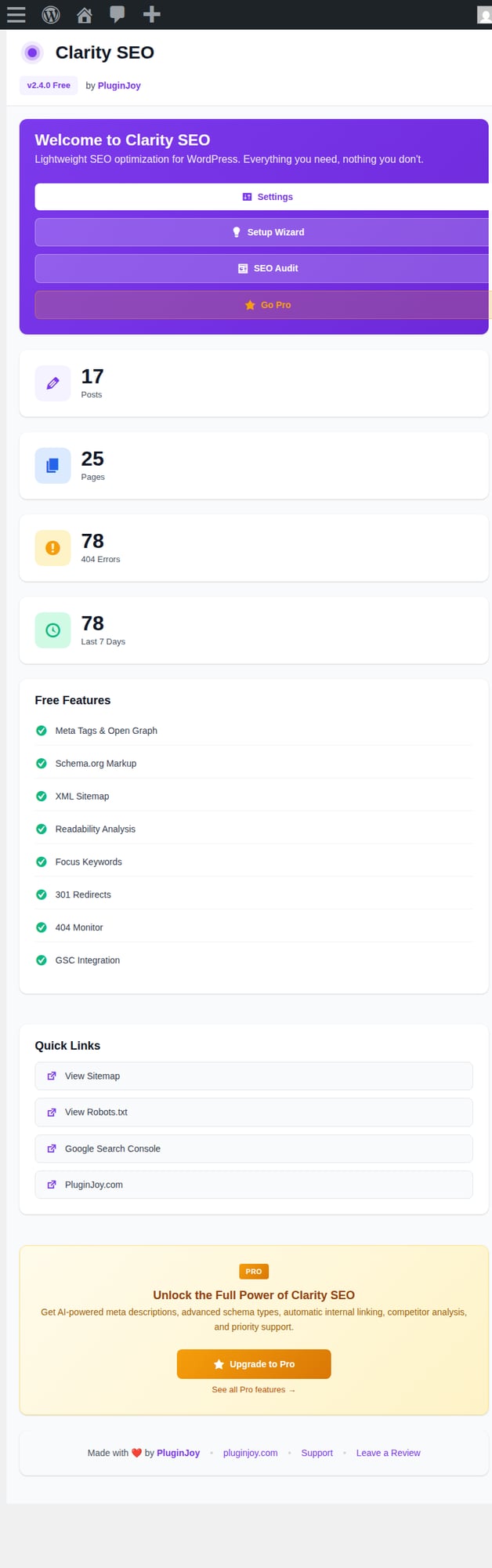
The Clarity SEO dashboard gives you a quick overview of your site’s SEO status, including posts, pages, 404 errors, and feature availability.
Settings
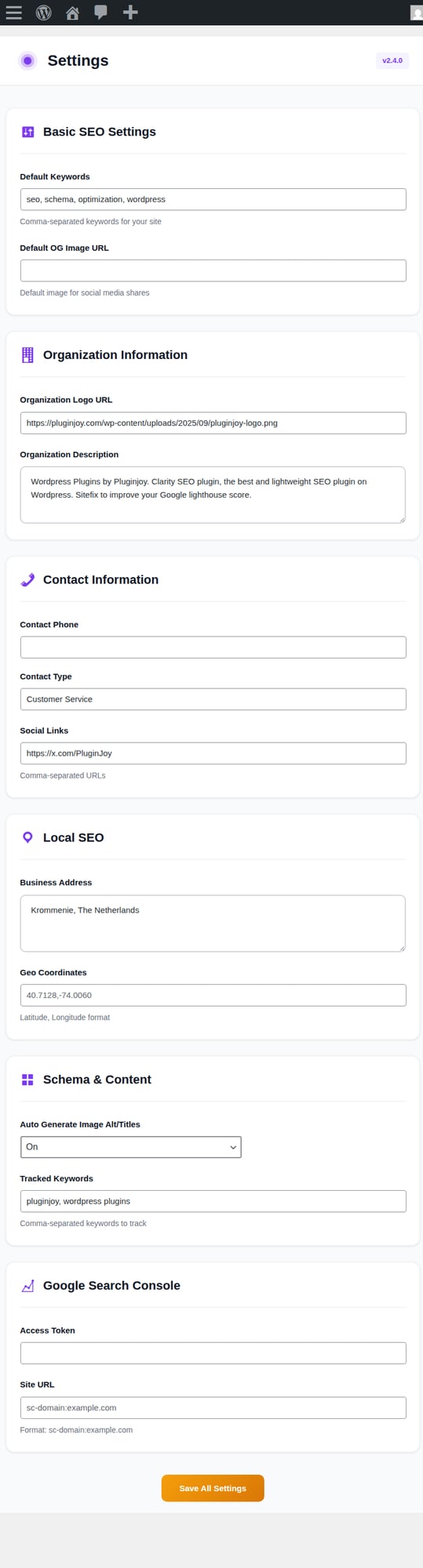
Configure your global SEO settings including default keywords, organization info, contact details, local SEO, and Google Search Console integration.
SEO Audit
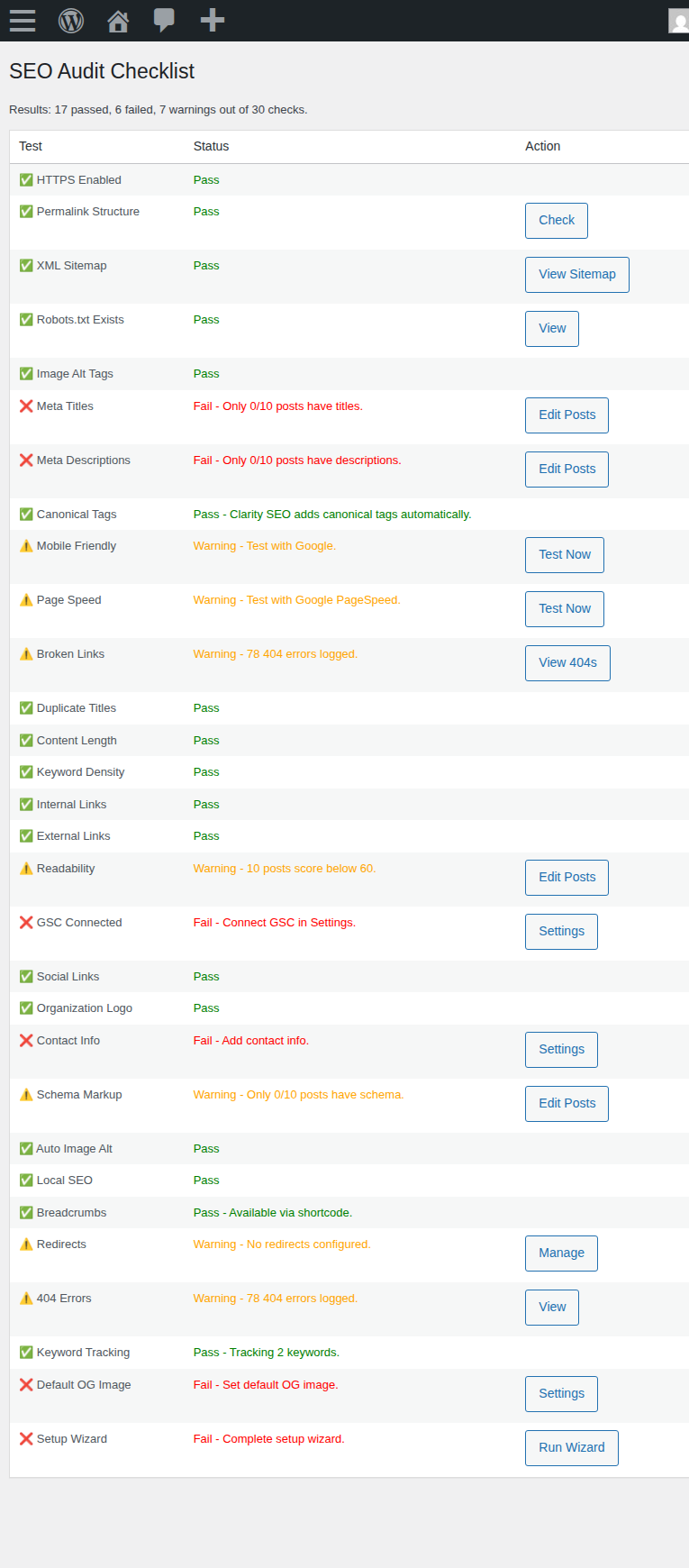
The 30-point SEO Audit checklist helps you identify and fix issues across your site. Each item includes actionable links to resolve problems.
Pro Features
🤖 AI Content Optimizer
Get AI-powered suggestions for meta titles and descriptions. The AI analyzes your content and provides SEO-optimized alternatives.
📊 Rank Tracker
Track up to 100 keywords and monitor your position changes over time. Export data to CSV for reporting.
📋 30+ Schema Types
Access advanced schema markup including Recipe, Event, Course, JobPosting, SoftwareApplication, and more.
🔄 Advanced Redirects
Support for 301, 302, 303, 307, and 308 redirects with regex pattern matching.
💬 Priority Support
Get email responses within 24 hours from our dedicated support team.
Need Help?
Contact us at support@pluginjoy.com