
🔍 Complete Site Health Monitoring
SiteVitals Pro gives you a real-time dashboard of your WordPress site’s health. Track performance, security, and SEO metrics with automatic scheduled scans and detailed PDF reports.
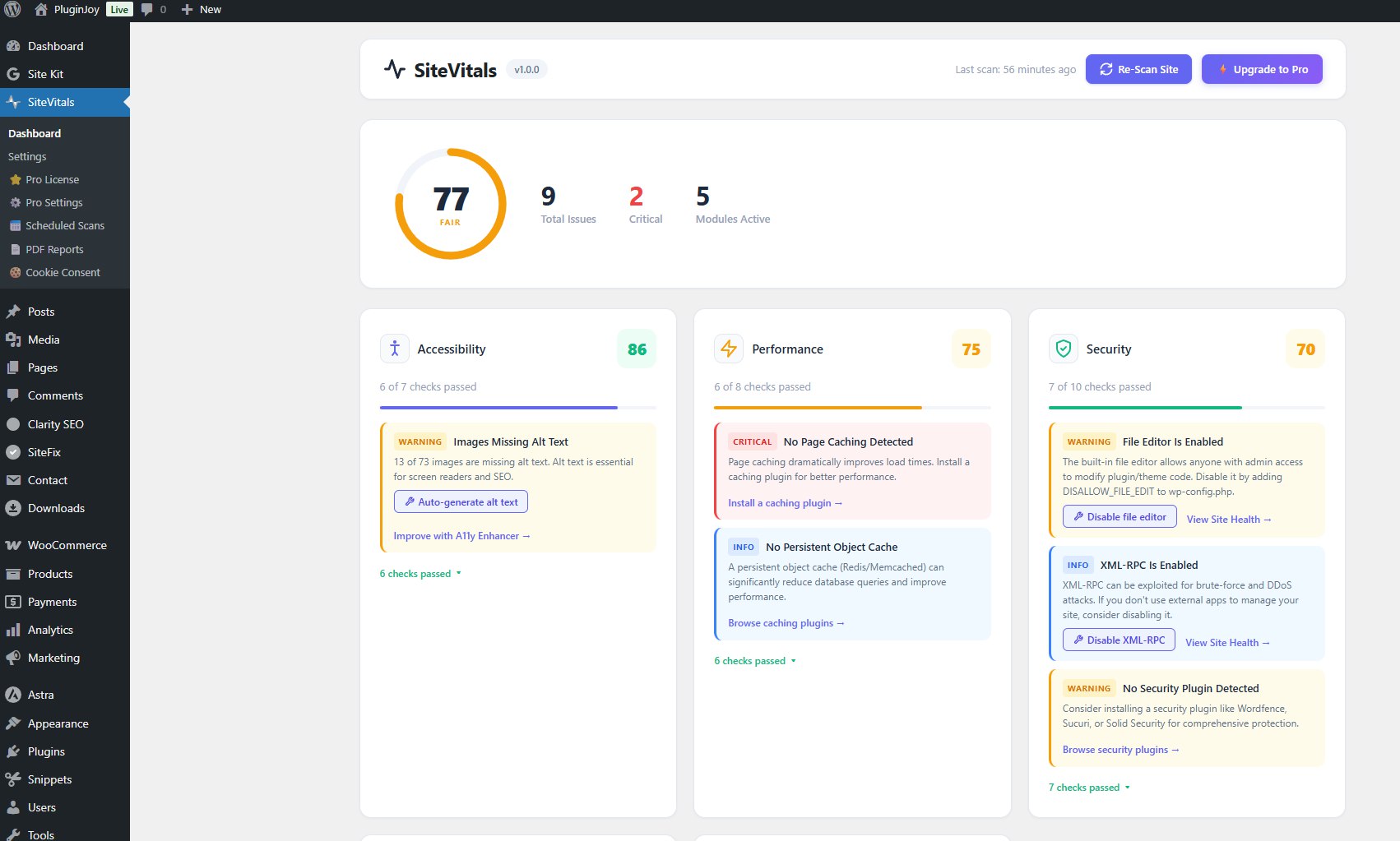
📊 Health Dashboard
One-glance view of your site’s vital signs: performance scores, security status, SEO health, and Core Web Vitals. Color-coded indicators help you spot issues instantly—green means good, yellow needs attention, red requires action.
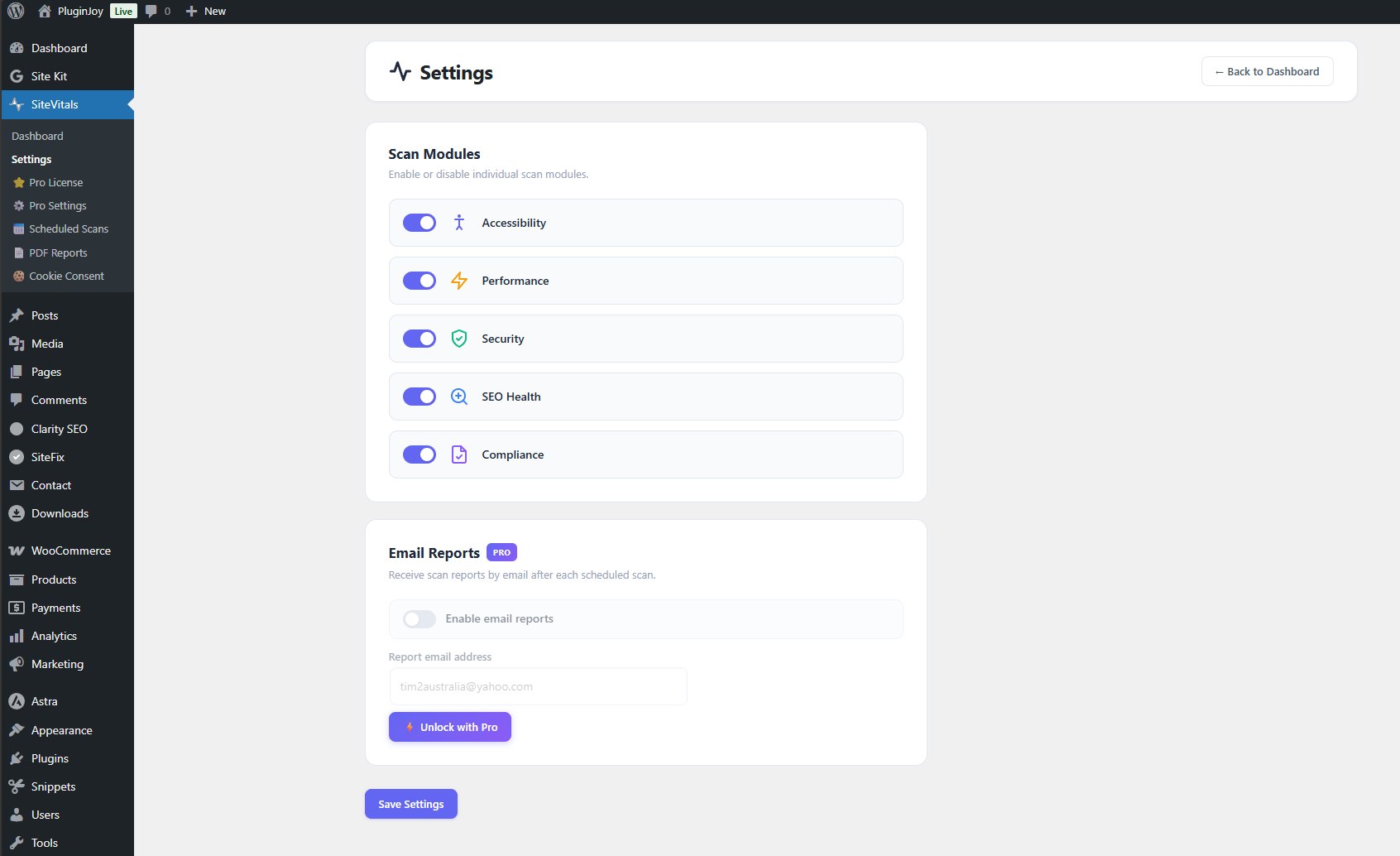
⚡ Core Web Vitals & Security
Track Google’s Core Web Vitals (LCP, FID, CLS) alongside security headers, SSL status, and SEO factors. Get actionable recommendations to improve each metric and boost your search rankings.
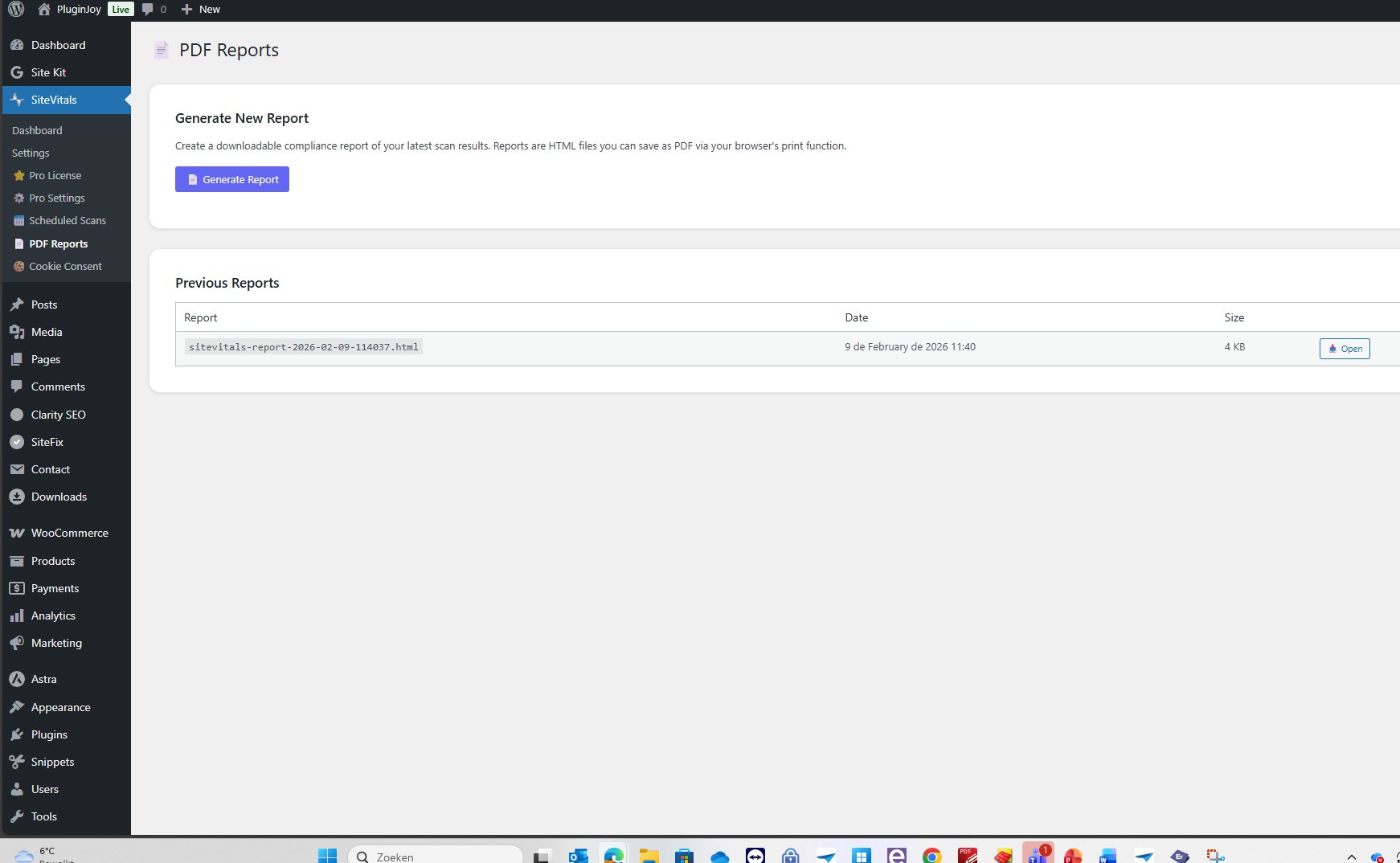
📅 Scheduled Scans & Alerts
Set it and forget it. Run daily or weekly automated scans and get instant email alerts when scores drop below your threshold. Generate professional PDF reports for clients with your own branding.
✨ Pro Features
Unlimited Scans
Scan all pages, not just 5
Scheduled Scans
Daily or weekly automation
Email Alerts
Instant score drop notifications
PDF Reports
Professional compliance docs
Cookie Consent
GDPR-ready cookie banner
White-Label
Your branding on reports
Core Web Vitals
LCP, FID, CLS tracking
Security Headers
HSTS, CSP, X-Frame analysis
📊 Free vs Pro
| Feature | Free | Pro |
|---|---|---|
| Page Scans | 5 pages | Unlimited |
| Performance Metrics | ✅ | ✅ |
| Security Analysis | Basic | Advanced |
| Core Web Vitals | ✅ | ✅ |
| Scheduled Scans | ❌ | ✅ Daily/Weekly |
| Email Alerts | ❌ | ✅ |
| PDF Reports | ❌ | ✅ |
| Cookie Consent Bar | ❌ | ✅ |
| White-Label Branding | ❌ | ✅ |
| Priority Support | ❌ | ✅ 24h |
❓ Frequently Asked Questions
What does SiteVitals scan?
SiteVitals analyzes performance metrics (load time, TTFB, Core Web Vitals), security headers (HSTS, CSP, X-Frame-Options), SEO factors (meta tags, headings, images), accessibility issues, and SSL certificate status across your entire site.
Do I need the free plugin first?
Yes, SiteVitals Pro extends the free SiteVitals plugin. Install the free version first, then activate Pro for unlimited scans, scheduled monitoring, and advanced features.
How do scheduled scans work?
Set your preferred schedule (daily or weekly) in the settings. SiteVitals uses WP-Cron to automatically run full site scans. If any metric drops below your configured threshold, you’ll receive an email alert immediately.
Can I use this for client sites?
Absolutely! The white-label feature lets you replace SiteVitals branding with your own agency name and logo. Generate branded PDF reports to share with clients—perfect for monthly site health reviews.
Does this affect site performance?
No. Scans run in the background and don’t affect frontend performance. The plugin is lightweight (<50KB) with no external API calls on page load.




Mike Torres (verified owner) –
Decent site health monitor. Clean dashboard, useful alerts. I’d like to see more detailed server-level metrics in a future update, but for WordPress-level monitoring it’s spot on.
Laura Kim (verified owner) –
Simple, lightweight monitoring that actually works. I manage 8 client sites and SiteVitals gives me peace of mind. The performance tracking over time helps me spot issues early. Recommended.
Nathan Brooks (verified owner) –
SiteVitals Pro caught a PHP memory leak before it took down our site. The uptime monitoring is reliable and the Telegram alerts are instant. Essential for anyone managing WordPress sites professionally.